Most health and fitness apps let you pick Calories or kilojoules for energy. The setting is usually called Units or Energy units, but every app hides it in a slightly different place. This guide covers the most popular apps.
App menus change between versions and regions. If a step doesn’t match your screen, search the app’s settings for “Units” or “Energy”: that’s where the option almost always lives.
On this page
iPhone Health App
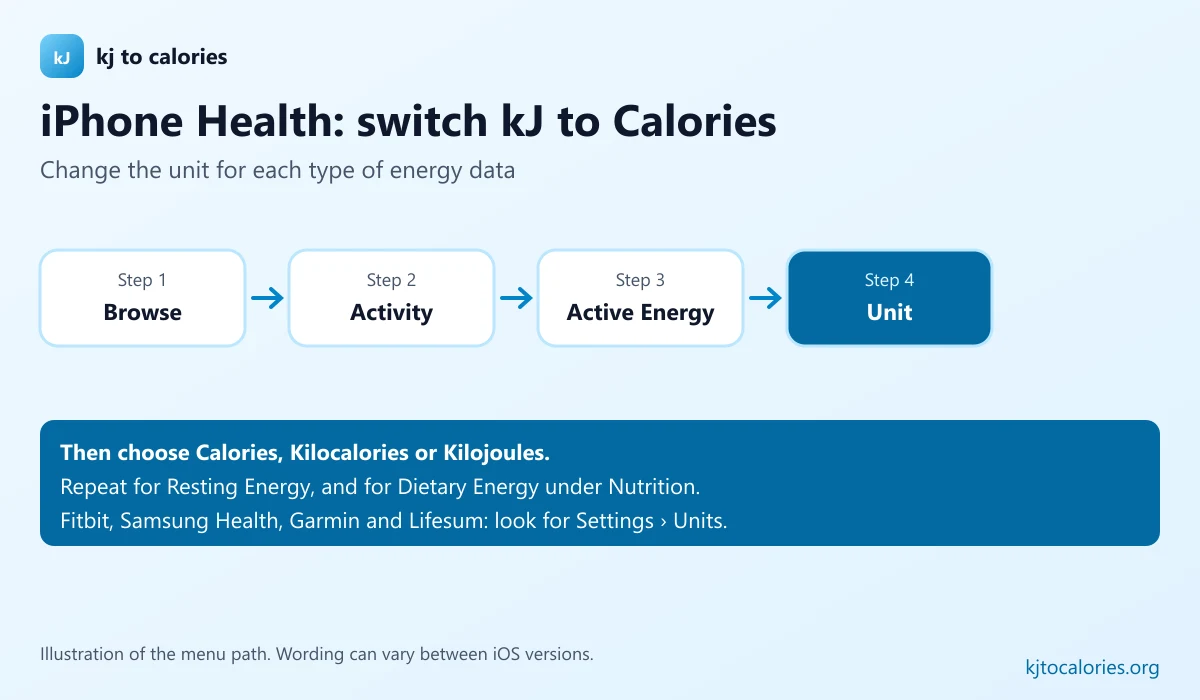
The Health app stores the energy data from your iPhone, Apple Watch and connected apps. You can change the unit for each type of energy data:
- Open Health and tap Browse.
- Tap Activity, then Active Energy (or Resting Energy).
- Scroll to the bottom and tap Unit.
- Choose Calories, Kilocalories or Kilojoules.
Repeat for Dietary Energy (under Nutrition) if you log food in the Health app.
iPhone Fitness App And Apple Watch
The Fitness app and the Move ring follow the Apple Watch workout units. Change them in the Watch app → Workout → Units of Measure → Energy Units, or on the watch in Settings → Workout. Full steps: change Apple Watch from kJ to Calories.
MyFitnessPal
Go to More → Settings → Units → Energy and choose Calories or Kilojoules. Details in change MyFitnessPal from kJ to Calories.
Fitbit
Open the Fitbit app, tap your profile or the Today tab’s account icon, then open App settings (or Settings) and look for Units. Choose Calories or Kilojoules for energy.
Samsung Health
Open Samsung Health, tap the menu or your profile, then Settings → Units and set the energy unit to kcal or kJ.
Garmin Connect
In Garmin Connect, open More (or your profile), then Settings → Units of Measure or User Settings. Where an energy unit option is offered, choose Calories or Kilojoules. Some Garmin devices report energy in Calories only.
Lifesum
Open Lifesum, go to your Profile, then Settings (gear icon) and Units or General settings. Set energy to kcal or kJ.
Can’t Change The Unit? Convert It
If an app doesn’t offer the option, convert the numbers yourself: Calories = kJ ÷ 4.184 and kJ = Calories × 4.184.
| Reading | Converted |
|---|---|
| 1,000 kJ | 239 kcal |
| 2,000 kJ | 478 kcal |
| 400 kcal | 1,674 kJ |
| 2,000 kcal | 8,368 kJ |
Which Unit Should You Choose?
Pick the unit your food labels use. In Australia and New Zealand that’s kilojoules; in the US and Canada it’s Calories; in the UK and EU either works because labels show both. Keeping your apps and labels in the same unit avoids conversion mistakes, see tracking kilojoules in calorie apps.
FAQ
How do I change kJ to Calories on my iPhone?
In the Health app, go to Browse → Activity → Active Energy, scroll down to Unit and choose Calories. For the Move ring, change the Apple Watch workout units in the Watch app.
Why does my fitness app show kJ?
Many apps choose the energy unit from your region. Phones set up in Australia or New Zealand often default to kilojoules.
Are Calories and kilocalories the same in fitness apps?
Yes. 1 Calorie = 1 kcal = 4.184 kJ; apps just label them differently.